

Guide Wallets and security Bitcoin basics
Watch-only wallets: monitor Bitcoin without sharing more information than necessary
A watch-only wallet lets you monitor activity without keeping the keys needed for signing in that wallet. Viewing permission still provides access to financial information. Before importing an xpub into another application, decide what you need to see, who else might see it and how you will protect the connection information.
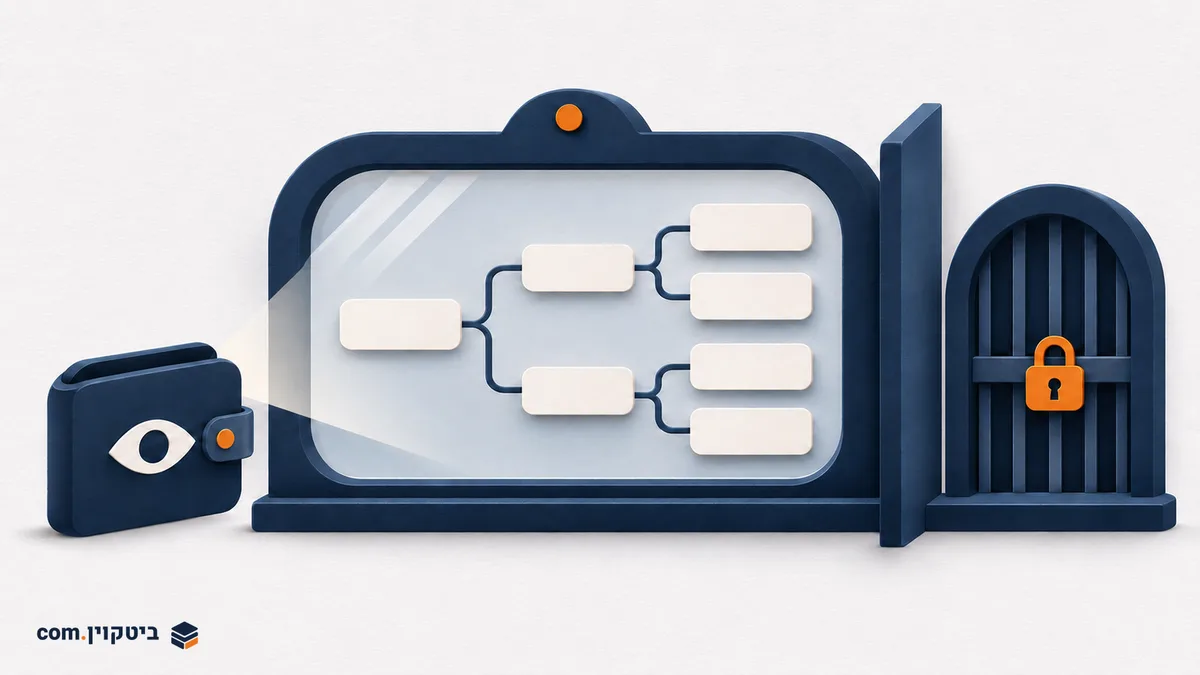
Start with the question you need answered
Checking one payment does not necessarily require exposing an entire account. Monitoring an account over time is different: one address may provide an incomplete picture. These needs call for different amounts of information. The aim is to choose the data needed for the task, rather than collect everything available.
Someone checking whether a particular receipt has been recorded may not need to give another service visibility into future addresses. Someone keeping ongoing personal records may want a view of the whole account. These are planning examples, not endorsements of a service or statements about reporting obligations.
What an xpub provides and what it does not
The official Sparrow guide (Opens in a new tab) describes xPub / Watch Only Wallet as a way to see transactions without spending directly. An xpub is an extended public key used to derive addresses within the relevant wallet branch. It is not a recovery phrase or a replacement for a backup that enables signing.
Preserve that boundary during setup. If a process intended only for viewing requests a recovery phrase or private key, stop and check the official documentation again. Seeing a balance should not require turning a viewing setup into one holding signing secrets. The introduction to crypto wallet custody helps distinguish the party displaying information from the party able to authorize spending.
Public does not mean suitable for publication
Sparrow explains that public-key information still deserves protection. Linking different activities to one account can reveal more than a single transaction. An xpub therefore does not belong in a public screenshot, an open support request or a shared document accessible to many people.
Sparrow's getting-started documentation also explains that connecting to a public server shares public-key information with its operator. Choosing an application and choosing a server are separate decisions. A desktop interface does not guarantee that every check happens locally. Using your own infrastructure can change the trust boundary, but requires maintenance and an understanding of the connection.
A checklist before importing
- Record the purpose of monitoring and the exact account you intend to view.
- Follow the original wallet's export instructions and the receiving application's import instructions. Do not guess the account type or derivation path.
- Check that the exported data is for viewing and contains no recovery phrase or private keys.
- Compare a known receiving address and a known transaction between the original wallet and the new display.
- Record where the export file is stored and who can access it, then protect the file and device.
An empty display does not immediately mean funds have disappeared. First check the network, account, address type and scanning progress against the products' documentation. Do not transfer money to try to fix a display you do not understand. The check should explain the discrepancy rather than add another transaction to an unresolved problem.
If a phone or export file is exposed
Distinguish exposure of viewing data from exposure of signing secrets. Neither a blanket promise of no risk nor a conclusion that a visible balance proves theft is justified. Determine what was actually on the device, whether it held other accounts and who received the file. Changing an application setting does not necessarily erase a copy already shared with somebody else.
Keep a clear record of the information exposed and use official support when the export type or permission scope is unclear. Never provide recovery words for troubleshooting. A watch-only wallet is useful when its boundary stays clear: viewing is convenient, the scope is understood and signing secrets remain outside that path.