

Guide Wallets and security
Disconnecting a wallet is not revoking approval: how to check remaining access
For a wallet used with Ethereum applications and compatible networks, disconnecting a site and revoking a token allowance are separate actions. To restrict an already-approved contract, check the allowance itself on the correct network.
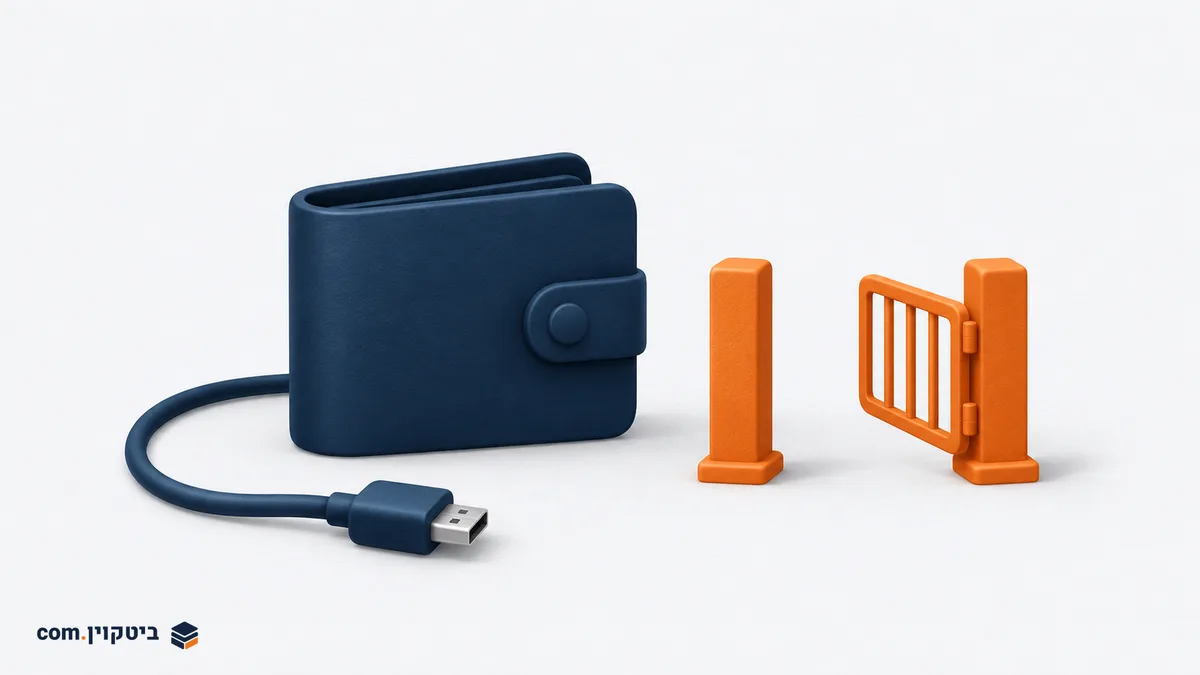
Two permissions that can look similar
A Disconnect button can end a website's connection to a wallet without changing an allowance already recorded on the blockchain. After using a decentralised application, the question is therefore not simply whether the site remains in the connections list. Establish whether a contract received permission to use a particular token, how much it can use, and whether that permission is still needed.
This guide primarily concerns ERC-20 allowances on Ethereum and EVM-compatible networks, using MetaMask as an example. It does not describe permissions for bitcoin on its native network. NFT approvals and permit-style signatures can also work differently, so the steps here should not automatically be applied to them.
As MetaMask's allowance-revocation guide (Opens in a new tab) explains, connecting an application and authorising token transfers are separate matters. Disconnecting ends the application's wallet connection. It does not erase blockchain history or ensure that someone who already knows the address cannot read its public information.
A token allowance instead specifies an authorised address's ability to use an amount of a particular token. An approved contract can act within that allowance according to its code, without requiring a fresh approval of that allowance each time. Protecting a recovery phrase therefore does not, by itself, remove the risk from an allowance granted to a problematic contract.
An example: 100 units do not mean the whole wallet
Suppose, purely as an example, that you authorised a contract to spend up to 100 units of a conventional ERC-20 token and it used 10. Under a standard limited-allowance model, permission for 90 units may remain. Closing the browser tab does not reset it. This is an explanatory calculation, not a real balance, a price or a description of every possible contract.
Identify the network, wallet account, token contract and authorised spender together. The same token name on two networks does not imply the same allowance state. Permission for one token is also not necessarily permission for every asset in the account. Conversely, an allowance greater than the current balance may matter if more units arrive later.
The ERC-20 standard specifies that the remaining allowance can be read and that a new approval overwrites its value. That principle is not a recommendation to manually call functions on a contract you do not understand. A reliable allowance-checking interface should make the token, spender and amount available for review before signing.
Check and revoke without skipping the details
First open the wallet and check the active account and network. In MetaMask, an application connection can be removed through the permissions area. Menu names and presentation may vary by version, but the intended result is removal of that particular connection. Do not interpret this as confirmation that all contract allowances have been revoked.
Next, inspect allowances using a tool referenced in the wallet's official documentation or the network's block explorer. Do not begin with a private message promising to clean your wallet. MetaMask identifies explorers with approval checkers and dedicated tools. Support varies by network and permission type, so confirm that the tool displays the intended account and network.
Review the token, spender address and amount. If they are unfamiliar, stop and investigate the original action rather than approving another request merely to dismiss a warning. If you decide to revoke an allowance, check that the confirmation describes revoking or resetting the selected allowance, not granting new access to another party.
Revoking a conventional ERC-20 allowance is an on-chain transaction, so it requires a network fee in the appropriate asset. There is no fixed amount to promise beforehand. After broadcasting, wait for the result and check the explorer or allowance tool to confirm the update. Clicking the button, or submitting a transaction that fails, is not proof that the permission changed.
Keep a record of the network, token, removed spender and transaction identifier. Using the service again may require a new approval and another fee. That is a trade-off between convenience and reducing persistent allowances, not an indication that revocation failed.
What revocation cannot repair
Revocation does not recover tokens already transferred, and it does not fix an exposed private key or recovery phrase. That is an account-control problem rather than permission given to a single contract. Never provide a recovery phrase to an inspection tool, someone who contacts you claiming to be support, or a service promising to recover funds.
An empty list in one tool is not necessarily a complete inventory of every permission type across every network. Match the review to your actual activity and preserve the distinction between ERC-20 allowances, NFT approvals and other signatures. Our guide to reading blockchain information explains why technical data needs context. Here that context is straightforward: which account, on which network, authorised whom to do what.